
CONNECTED SUPPLIER COLLECTION
Meet the Solopress
side of your shop.
The same five product samples, ready to explore. These start as local PressFlow examples. Replace each slot with a genuine Dock import to show the official supplier configurator.
FIND YOUR NEXT PRINT JOB
The Solopress collection.
Choose a product, explore its options and see how the ordering journey comes together.
The same five product samples. Connected Solopress products use the official Dock widget and stay outside PressFlow Quick Order.
 Sample catalogue
Business Cards (Solopress Sample)
Explore an illustrative configuration. Local sample pricing; no supplier connection.
Configure sample Sample catalogue
Flyers & Leaflets (Solopress Sample)
Explore an illustrative configuration. Local sample pricing; no supplier connection.
Configure sample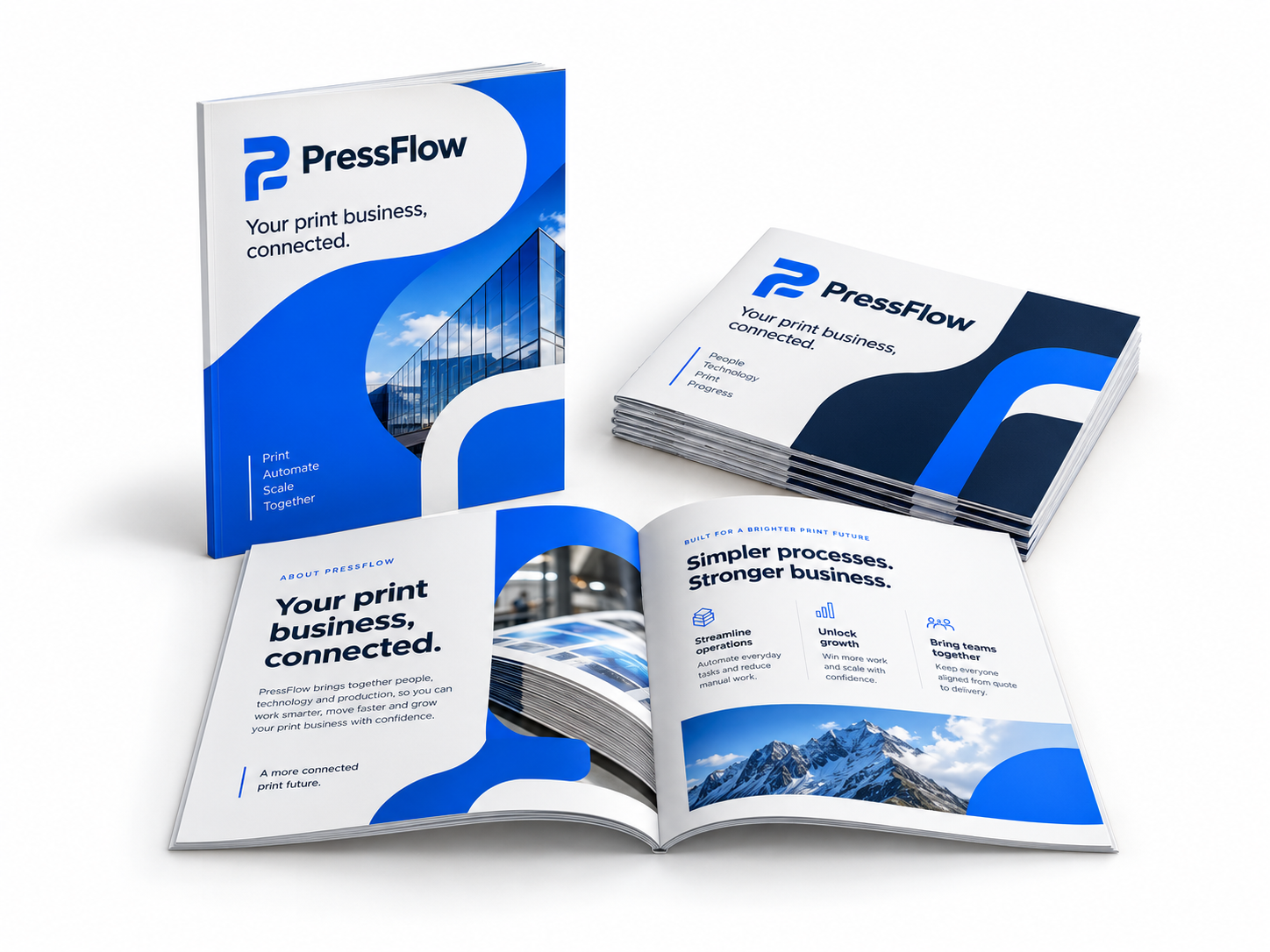 Sample catalogue
Booklets (Solopress Sample)
Explore an illustrative configuration. Local sample pricing; no supplier connection.
Configure sample Sample catalogue
Stickers & Labels (Solopress Sample)
Explore an illustrative configuration. Local sample pricing; no supplier connection.
Configure sample Sample catalogue
PVC Banners (Solopress Sample)
Explore an illustrative configuration. Local sample pricing; no supplier connection.
Configure sampleNo matching products in this collection. Try a different name or pricing type.
The official Dock journey.
Supplier configuration, quotes and artwork stay under Dock’s own controls.
Connect the official plugin
Use PressFlow → Print suppliers → Solopress / Dock and the supplied official plugin. Test its account connection and sync the catalogue.
Choose five matching imports
Review and publish the matching products from the supplier catalogue. Link them to the showcase slots in WooCommerce → Demo catalogue setup.
Explore the supplier widget
Connected products use Dock’s widget, supplier quotes and artwork workflow. Dock is excluded from PressFlow Quick Order and public demo checkout stays blocked.
A good place to start
Two supplier routes.
One WooCommerce shop.
Compare the supplier collections and see the different configuration journeys.