
CONNECTED SUPPLIER COLLECTION
More print possibilities.
Powered by Tradeprint.
Explore five matching sample products. Each starts with a local PressFlow configuration and illustrative pricing. Genuine Tradeprint imports can replace these slots when the administrator connects a supplier account.
FIND YOUR NEXT PRINT JOB
The Tradeprint collection.
Choose a product, explore its options and see how the ordering journey comes together.
Five matching product samples. Tradeprint prices and availability apply only after a genuine import is connected.
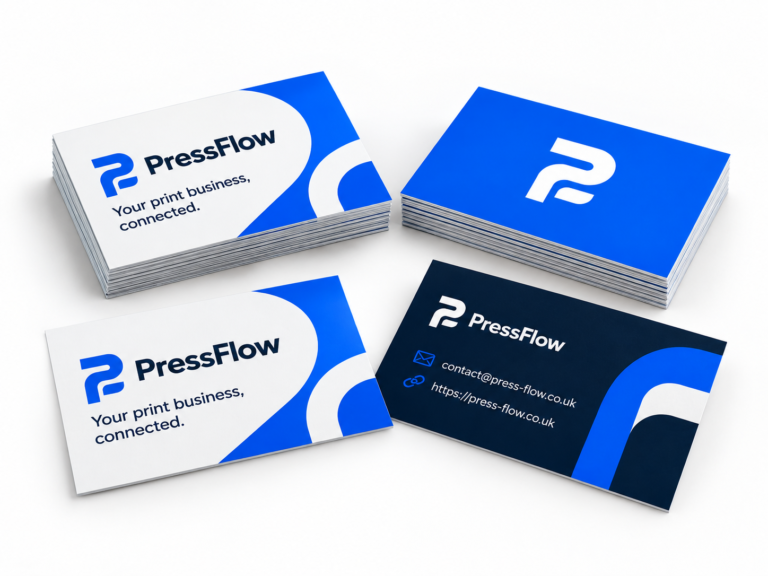 Sample catalogue
Business Cards (Tradeprint Sample)
Explore an illustrative configuration. Local sample pricing; no supplier connection.
Configure sample Sample catalogue
Flyers & Leaflets (Tradeprint Sample)
Explore an illustrative configuration. Local sample pricing; no supplier connection.
Configure sample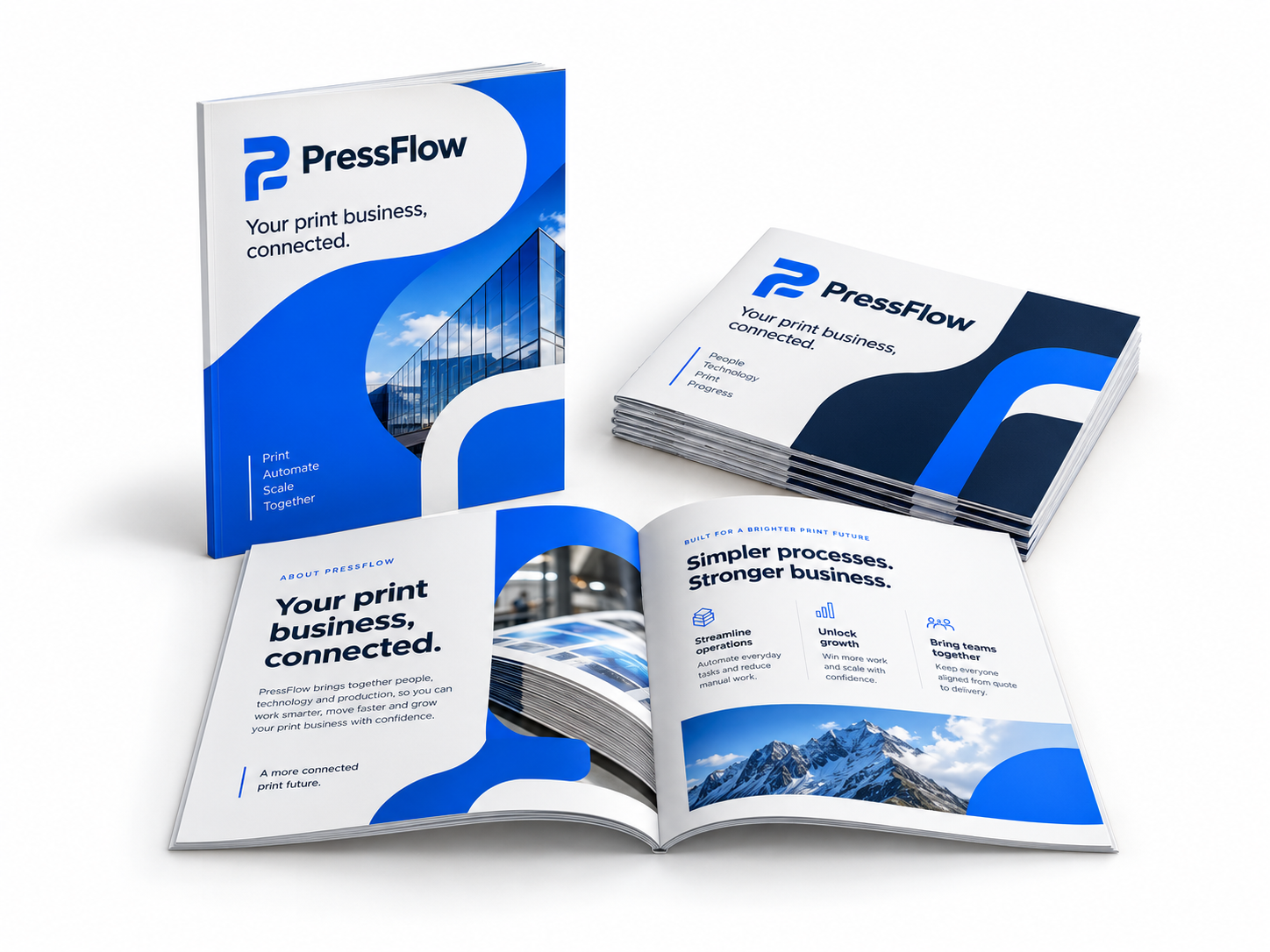 Sample catalogue
Booklets (Tradeprint Sample)
Explore an illustrative configuration. Local sample pricing; no supplier connection.
Configure sample Sample catalogue
Stickers & Labels (Tradeprint Sample)
Explore an illustrative configuration. Local sample pricing; no supplier connection.
Configure sample Sample catalogue
PVC Banners (Tradeprint Sample)
Explore an illustrative configuration. Local sample pricing; no supplier connection.
Configure sampleNo matching products in this collection. Try a different name or pricing type.
How a genuine import connects.
These are staff setup steps; public samples do not contact Tradeprint.
Connect & verify
Use Print suppliers → Tradeprint, select Sandbox and verify your account. Check the chosen specifications and supported quantities before saving an import.
Set prices & artwork
Review verified supplier prices and your markup. Confirm artwork dimensions, bleed, pages and sides. Publish only the intended demo products.
Link the showcase
Open WooCommerce → Demo catalogue setup and choose a genuine import for each matching slot. Sandbox sample checkout requires separate product approval.
A good place to start
One page. Several print jobs.
Eligible PressFlow-managed Tradeprint imports can use the same Quick Order workspace, subject to current prices, account and sandbox checks.